

Alpha, Beta, Done: How to Cap eLearning Revision Rounds Before Scope Creep Eats Your Project
Two named review rounds, a cap on each, and a clear definition of what counts as an edit: how to keep eLearning projects on schedule and on budget.

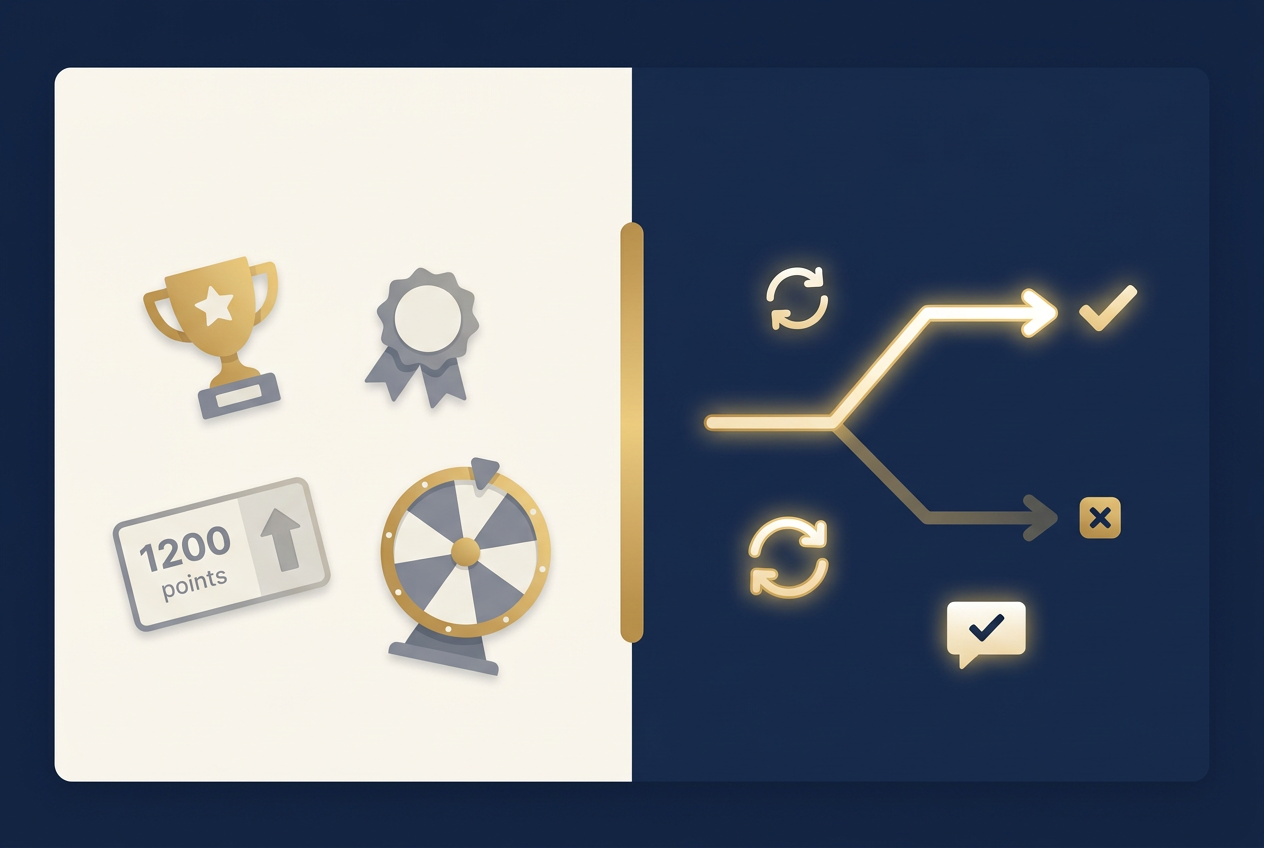
Gamification: What Actually Improves Retention vs. What’s Just Badges
Badges and leaderboards feel like gamification, but they rarely move the needle on retention. Here’s what game mechanics actually work in eLearning, and why.

What Instructional Designers Actually Need from SMEs
Most SME review friction traces back to the same cause: nobody told the SME what actually helps. Here’s the real scenario, the real mistakes, and the five questions worth answering before a single slide gets built.
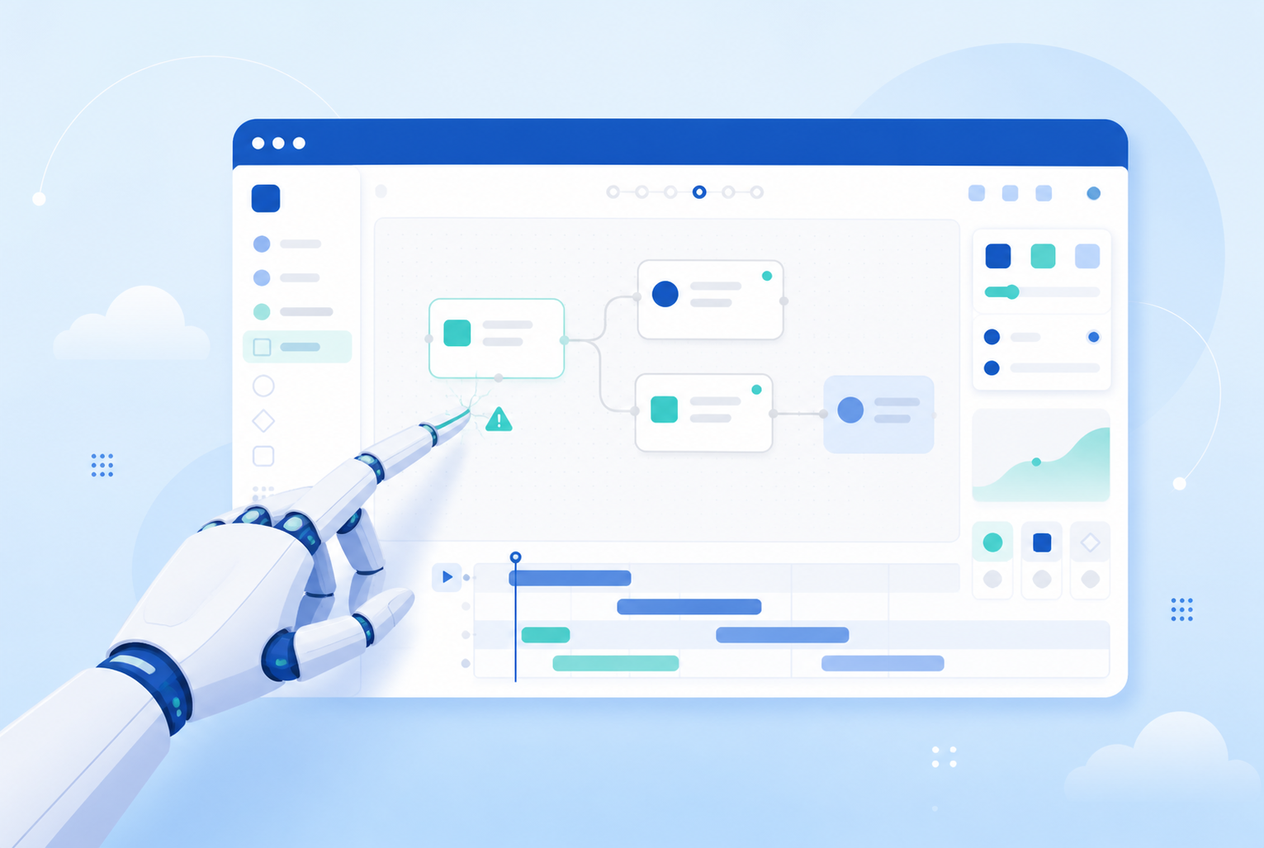
AI Didn’t Just Build a Soulless Course. It Broke My Storyline File.
A viral LinkedIn post says AI-built courses feel cold. True, but it’s not the risk I’d lead with — letting an AI agent drive your authoring tool directly can wreck your project file, and that’s exactly what happened to mine.

How to Write a Branching Scenario That Doesn’t Feel Fake
Most branching scenarios feel fake because they were never planned before they were built. Here’s how to story-map a scenario like a mind map before you touch Storyline, and why that shape matters.
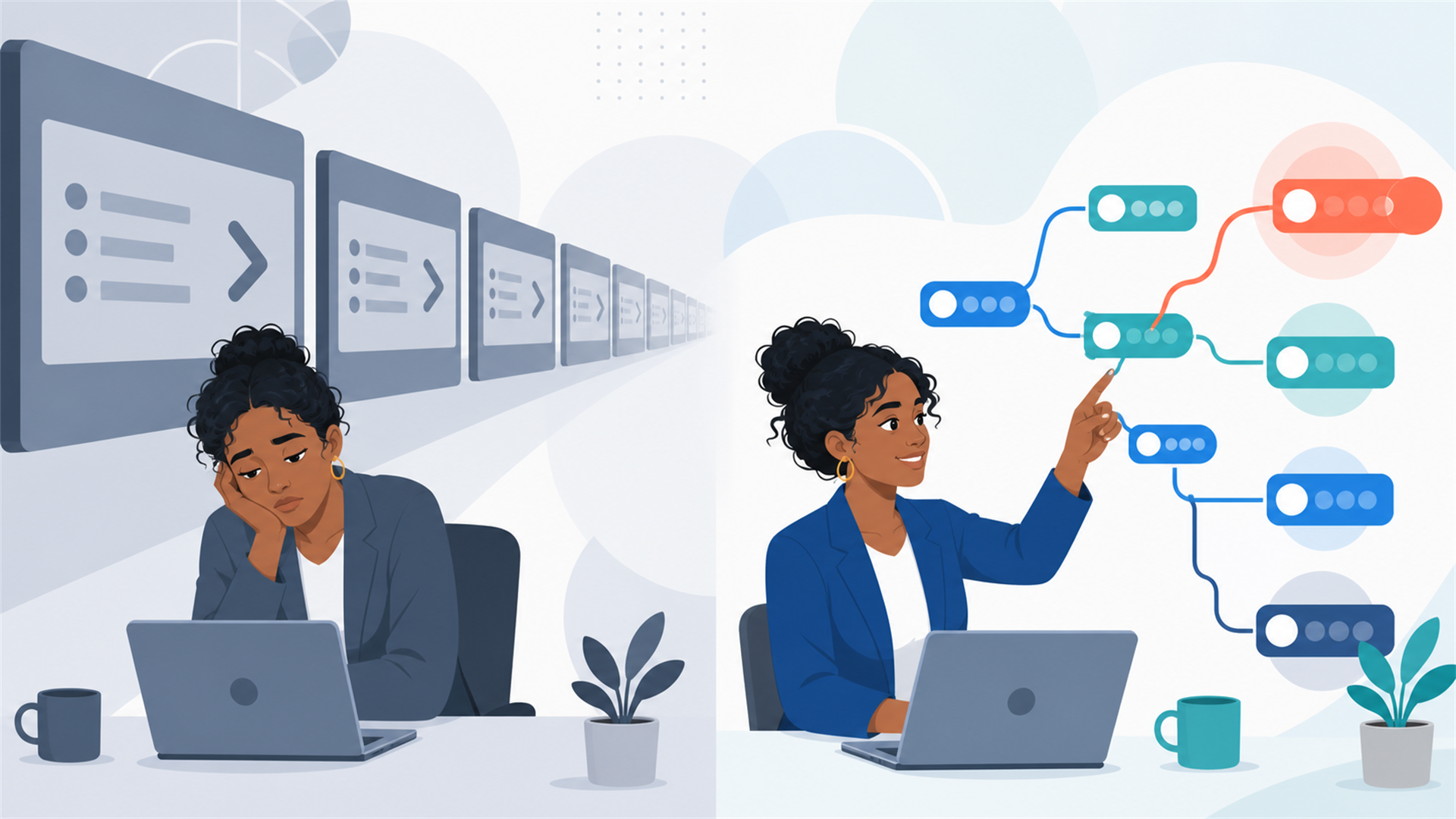
Death by Next Button: Why Nobody Remembers Your Compliance Training
Think about the last mandatory training course you took. Harassment prevention, cybersecurity awareness, safety procedures — doesn’t matter which. Now try to remember three specific things it taught you. If you’re like most people, you can’t. But I’d bet you remember the button you clicked to get through it: Next. That’s not a you problem. That’s a design problem — and after 22 years of building training for federal agencies and Fortune 500 companies, I can tell you it’s the most expensive open secret in the eLearning industry. What click-next training looks like You’ve seen it. A slide of bullet points. A voiceover reading the slide to you. A Next button. Another slide. Another Next. Forty minutes later, a five-question quiz you can pass without having paid attention, a completion certificate, and a records system that says you’re “trained.” The organization got a checkbox. The learner got nothing. And somewhere, real training budget was spent turning a PowerPoint deck into a slightly fancier PowerPoint deck with a play button. How it gets built Nobody sets out to build forgettable training. It happens for predictable reasons: The brief was a content dump. A subject matter expert hands over a 60-slide deck and the instruction is “make this into eLearning.” The deck gets converted faithfully — same slides, same order, same wall of text — because on a tight timeline, faithful conversion is the path of least resistance. Completion is the only metric. When success is defined as “everyone finishes by Q4,” the fastest path to success is a course nobody can fail. Friction gets engineered out — and friction is where learning happens. Interactivity got confused with decoration. A tabbed interface, a flip-card, a drag-and-drop matching game. These look interactive, but they’re navigation, not decisions. Clicking a tab to reveal text is just a fancier Next button. Why it matters more than you think For most training, click-next is merely wasted money. For compliance training, it’s worse — it’s compliance theater. The point of harassment training isn’t the certificate; it’s that a manager recognizes the situation in front of them and handles it correctly. The point of safety training is behavior under pressure. When training produces completions instead of competence, the organization has purchased legal paperwork while the actual risk — the thing the training exists to reduce — is untouched. And learners aren’t fooled. Every eye-rolling, speed-clicking employee is learning one real lesson from click-next training: this organization doesn’t take this topic seriously, and neither should you. What the alternative looks like The fix isn’t more animation or a mascot. It’s replacing information delivery with decision practice: Scenarios instead of definitions. Don’t define quid pro quo harassment on a slide — put the learner in a conversation where a manager hints a promotion depends on a date, and make them choose a response. Branching with consequences. Wrong choices shouldn’t produce a red X and a “try again.” They should play out — the complaint doesn’t get filed, the situation escalates — so the learner feels why the right answer is right. Realistic failure. A course you can’t fail is a course you can’t learn from. Knowledge checks should require the judgment the job actually demands, not recall of a bullet point from two slides ago. Shorter, sharper, spaced. One 40-minute annual course loses to four 10-minute scenario sets spread across the year — same seat time, radically different retention. This is exactly what tools like Storyline are actually for — branching scenarios, variables, adaptive paths. Using them to rebuild a PowerPoint is like buying a flight simulator to watch a slideshow about airplanes. “But that costs more” Somewhat — good design takes design time. But the gap is smaller than most buyers assume (our PowerPoint conversion pricing guide breaks down real numbers), and AI-assisted production has shrunk it further: AI narration alone removes weeks of re-recording logistics from scenario-heavy courses, where scripts change constantly during review. The real comparison isn’t cheap course vs. expensive course. It’s money that bought a checkbox vs. money that bought changed behavior. One of those is 100% waste at any price. None of this requires sacrificing compliance requirements, either — scenario-based courses can and should still meet Section 508 accessibility standards; accessibility and engagement reward the same thing: intentionality. The one question that reveals everything If you’re buying training this year, ask one question during your next project conversation: “Show me a course where the learner can make a wrong decision and see what happens.” If the answer is all tabs, timelines, and Next buttons, you’re looking at a checkbox. If they light up and start showing you branching scenarios — that’s a team that builds training people remember. At DGS Designs, we’ve spent two decades turning content dumps into decision practice for federal agencies and enterprise clients. Contact us if your training deserves better than a Next button.

How AI Voice Is Changing eLearning Production: My Experience with ElevenLabs
For over 22 years, I’ve built training content for federal agencies and enterprise clients, and one of the most time-consuming parts of any eLearning course has always been the voiceover. Recording, re-recording, finding a narrator who fits the tone, waiting on turnaround: it adds weeks to a project timeline that clients don’t always have. That’s changed for me since I started using ElevenLabs for course narration. Why it matters for eLearning specifically Most corporate and government training courses go through multiple review cycles. Every time a subject matter expert flags a script change, a human voiceover means another recording session. With AI-generated narration, I can update a script and have new audio in minutes instead of days, without sacrificing the natural, professional quality clients expect. This has been especially useful on Section 508/WCAG-compliant courses, where audio narration is a core accessibility requirement, not an afterthought. Faster iteration means more time to actually test and refine the accessible experience, instead of burning that time on re-recording logistics. Where I’ve used it At DGS Designs, I’ve started incorporating ElevenLabs into course development for clients where rapid iteration matters most, and I’m now part of the ElevenLabs Ambassador Program, sharing what I learn as I push these tools further into instructional design workflows. Try it yourself If you build eLearning, training content, or any kind of narrated media, it’s worth 15 minutes to see what it can do: https://try.elevenlabs.io/undsj3ho3iu2 Curious how others in the L&D space are using AI in their content workflows, whether voice, video, or both? Contact us to talk about how AI narration can fit into your next course, or to get a quote for professional text-to-speech narration on a Section 508-compliant project. This article was originally published on LinkedIn: https://www.linkedin.com/pulse/how-ai-voice-changing-elearning-production-my-eleven-labs-gimness-hdqme/
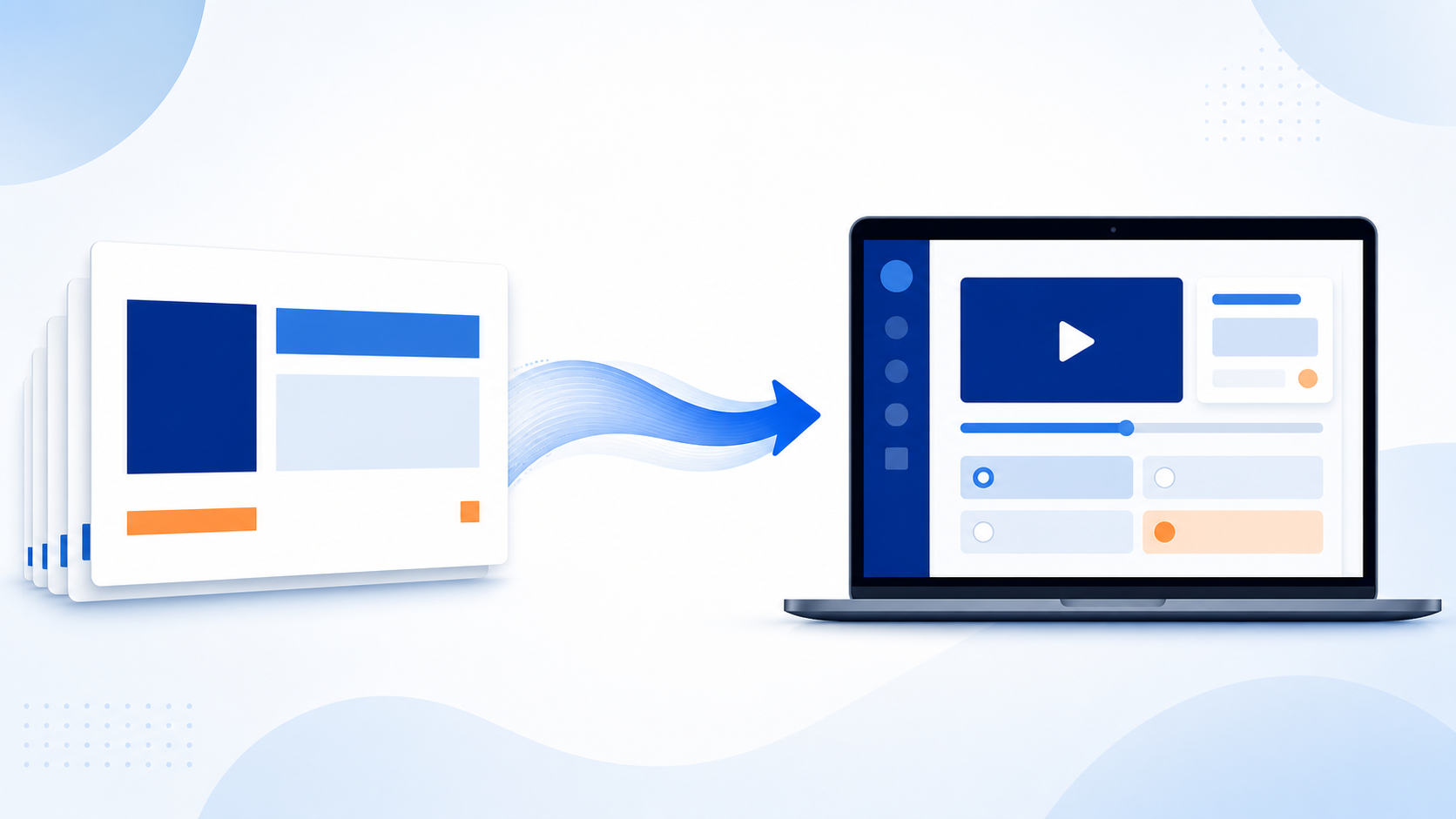
How Much Does It Cost to Convert PowerPoint to eLearning? (2026 Pricing Guide)
Most corporate training still starts life as a PowerPoint deck. The question we hear most from L&D managers, HR directors, and program leads — including several at federal and state agencies — isn’t whether to convert that deck into a real eLearning course, it’s what it costs and how long it takes.Here’s a straight answer, based on current 2026 market rates and 30 years of doing this work at DGS Designs. The short version For a typical 30-slide PowerPoint deck, budget: $1,800 to $2,600 (about 40 hours at our $45–$65/hr rate) for a lightly interactive, narrated SCORM course — stock imagery, basic knowledge checks, straightforward redesign $3,600 to $7,800 (roughly 80 to 120 hours at our $45–$65/hr rate) for a heavily interactive course with custom illustrations, branching scenarios, or simulations Professional text-to-speech narration is $0.08 per word at our standard rate, no compromise on quality For context, general U.S. instructional-design market rates run $30 to $50 per hour for junior designers up to $100 to $150-plus per hour for senior specialists, per public industry pricing surveys. Our own rate is $45 to $65 per hour depending on complexity, plus $0.08 per word for professional narration — reflecting 30 years of specialized eLearning experience. What actually drives the price How clean the source deck is. A well-structured deck with clear learning objectives converts fast. A deck that’s really a script for a live presenter, with dense bullet walls, no stated objectives, and speaker notes doing all the work, needs an instructional redesign pass before it can become a standalone course. That redesign step is the single biggest cost swing we see. Narration. Our professional text-to-speech narration is $0.08 per word — broadcast-quality, no compromise versus traditional voiceover. Interactivity level. A basic click-through with a final quiz is cheapest. Branching scenarios, drag-and-drop, simulations, or custom animation each add development hours on top of the base conversion. Authoring tool. Articulate Storyline gives you the most interactivity per dollar for scenario-based training; Articulate Rise is faster and cheaper for straightforward, mobile-friendly content; Captivate and Lectora fit specific legacy or software-simulation needs. Compliance requirements. Section 508 and WCAG accessibility (common for federal and state contracts), SCORM/xAPI packaging for a specific LMS, and localization each add scoped, predictable cost — but only if planned for from the start. The fastest way to get an accurate number Send us the deck. In practice, the only two questions that actually determine price are: how much redesign the content needs, and how interactive you want the final course to be. Everything else is a variable we can quote once we’ve seen the source material. DGS Designs has converted training content into Articulate Storyline, Captivate, and Lectora courses for organizations including the U.S. Army, Expedia, Frito-Lay, and Microsoft. Get a quote on your PowerPoint conversion.