
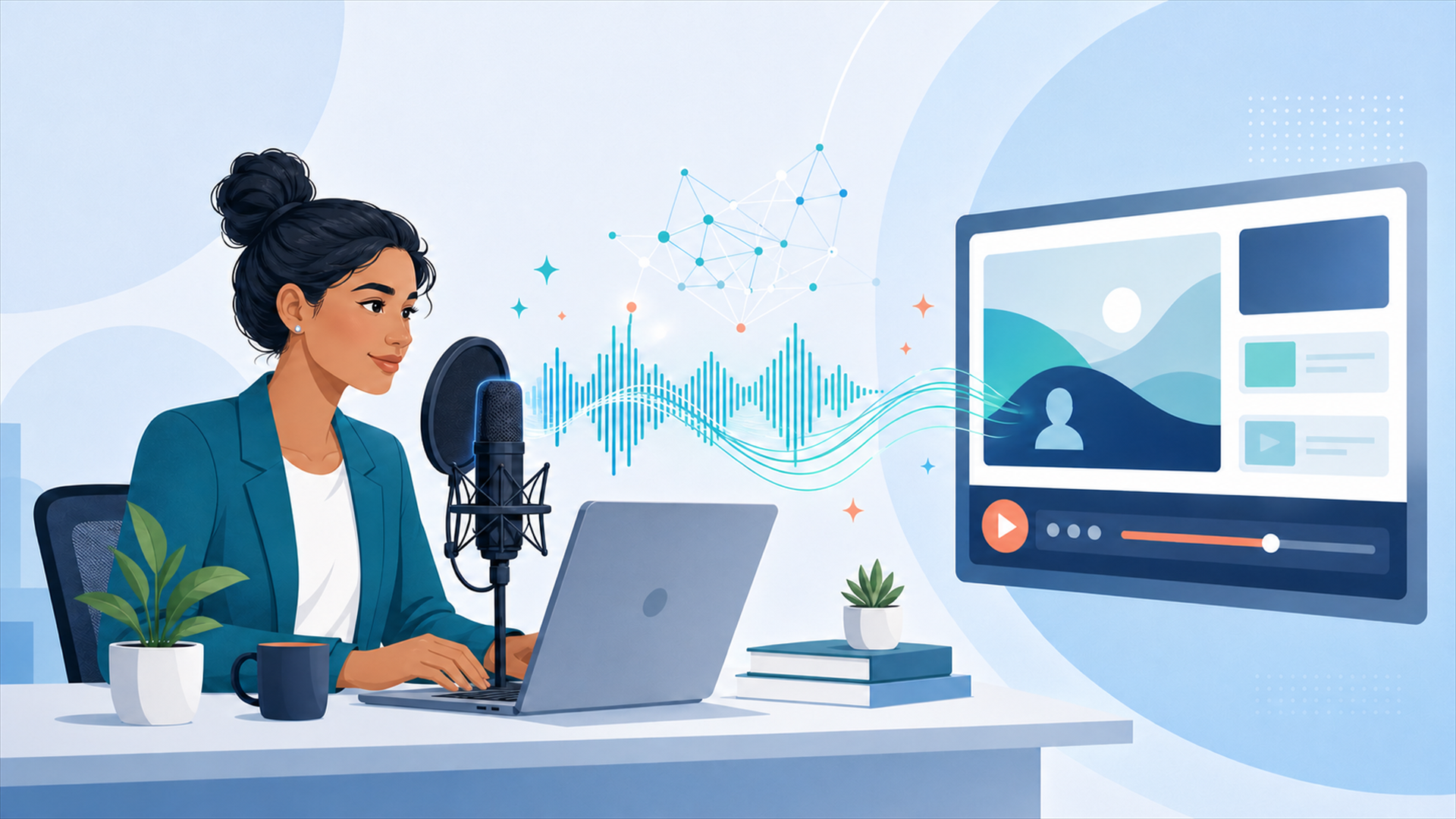
How AI Voice Is Changing eLearning Production: My Experience with ElevenLabs
For over 22 years, I’ve built training content for federal agencies and enterprise clients, and one of the most time-consuming parts of any eLearning course has always been the voiceover. Recording, re-recording, finding a narrator who fits the tone, waiting on turnaround: it adds weeks to a project timeline that clients don’t always have. That’s changed for me since I started using ElevenLabs for course narration. Why it matters for eLearning specifically Most corporate and government training courses go through multiple review cycles. Every time a subject matter expert flags a script change, a human voiceover means another recording session. With AI-generated narration, I can update a script and have new audio in minutes instead of days, without sacrificing the natural, professional quality clients expect. This has been especially useful on Section 508/WCAG-compliant courses, where audio narration is a core accessibility requirement, not an afterthought. Faster iteration means more time to actually test and refine the accessible experience, instead of burning that time on re-recording logistics. Where I’ve used it At DGS Designs, I’ve started incorporating ElevenLabs into course development for clients where rapid iteration matters most, and I’m now part of the ElevenLabs Ambassador Program, sharing what I learn as I push these tools further into instructional design workflows. Try it yourself If you build eLearning, training content, or any kind of narrated media, it’s worth 15 minutes to see what it can do: https://try.elevenlabs.io/undsj3ho3iu2 Curious how others in the L&D space are using AI in their content workflows, whether voice, video, or both? Contact us to talk about how AI narration can fit into your next course, or to get a quote for professional text-to-speech narration on a Section 508-compliant project. This article was originally published on LinkedIn: https://www.linkedin.com/pulse/how-ai-voice-changing-elearning-production-my-eleven-labs-gimness-hdqme/

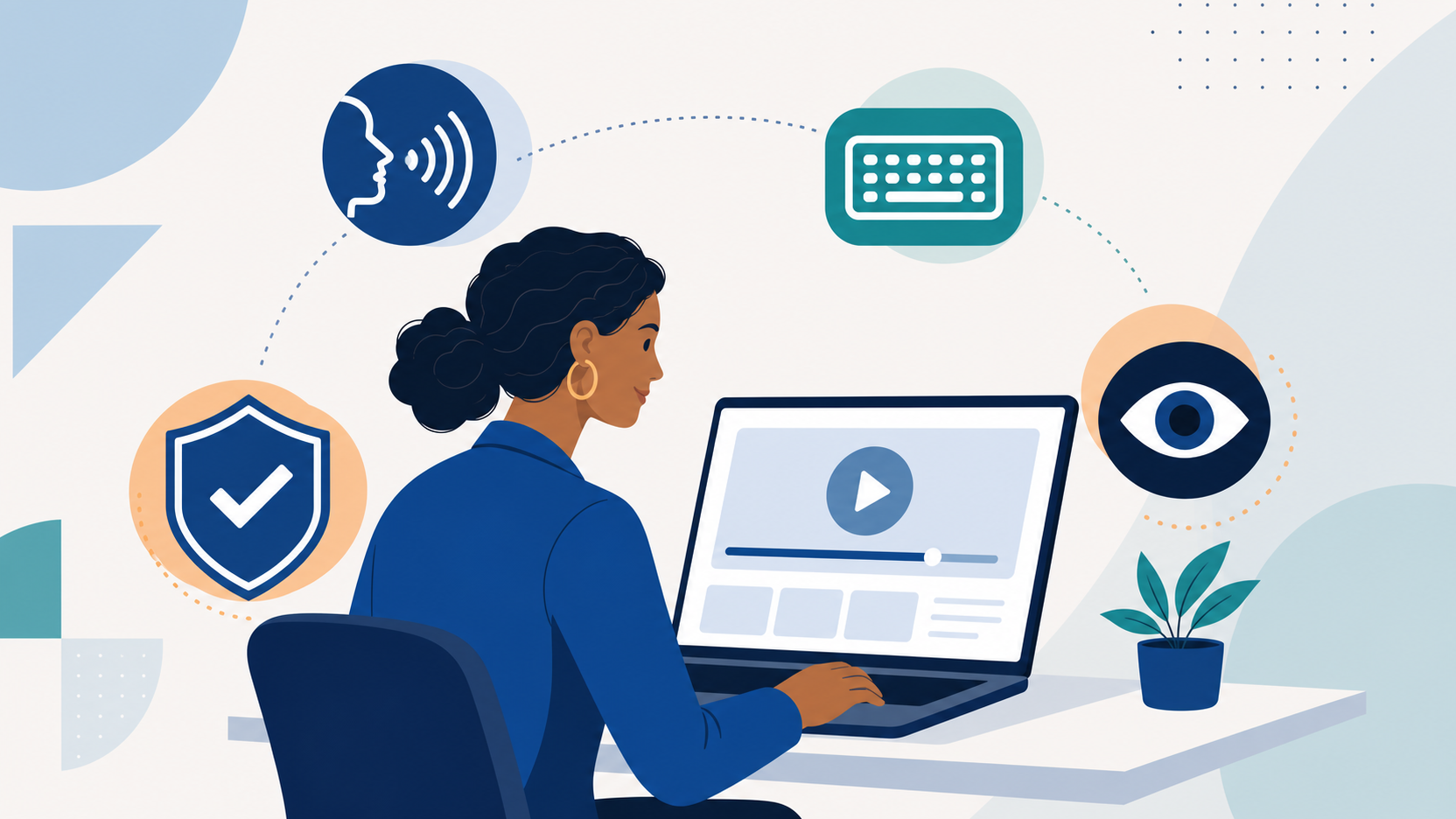
Section 508 & WCAG Compliance for eLearning: A Practical Checklist
If you build or buy training for a federal or state agency, accessibility isn’t optional. Section 508 of the Rehabilitation Act, and increasingly WCAG 2.1 Level AA by reference, is a compliance requirement, not a nice-to-have. Contracting officers ask for a VPAT before award, and a course that fails testing after delivery can get bounced back, delay payment, or become a real liability. We’ve built 508-compliant Storyline, Captivate, and Lectora courses for federal and state agencies for years, including work for the U.S. Army. Here’s what actually matters in practice, not the whole WCAG spec, but the parts that consistently trip up eLearning teams. What “508 compliant” actually means for a course Section 508 requires federal electronic content to be accessible to people with disabilities. Most agencies now point to WCAG 2.1 Level AA as the technical standard they’ll actually test against. For an eLearning course, that breaks down into four practical buckets, usually called POUR: Perceivable, Operable, Understandable, and Robust. The checklist we run on every course Perceivable Every image, icon, and decorative graphic has correct alt text (or is marked decorative) Every video has accurate closed captions, reviewed and corrected, not just auto-generated Every audio narration has a text transcript alongside it Color is never the only way information is conveyed, like a red/green correct-incorrect indicator that also gets an icon or label Text contrast meets a 4.5:1 minimum against its background Operable Every interaction (click, drag, hotspot, slider) has a keyboard-only equivalent Tab order follows the logical reading order, not the order objects were dropped on the stage No content flashes more than 3 times per second Learners get enough time to read and interact; no auto-advancing timers that can’t be paused or extended Understandable Instructions are written in plain language and don’t rely on sensory cues alone, like “click the button on the right” Form fields and quiz inputs have programmatically associated labels, not just visual proximity Error messages tell the learner what’s wrong and how to fix it, not just “incorrect” Robust The published SCORM or xAPI package works correctly with a screen reader, like NVDA or JAWS, in the actual LMS it will run in, not just the browser preview Custom Storyline and Captivate interactions have proper focus order and ARIA labeling, which usually needs manual tagging, not just the built-in “accessible course” checkbox The step most vendors skip: real assistive-tech testing Authoring tools like Storyline and Captivate include an “accessible” toggle, but flipping it on doesn’t guarantee real accessibility. It sets up the scaffolding; it doesn’t verify the result. We test the published output in the actual LMS with a screen reader and keyboard-only navigation before delivery, not just eyeball it in the tool’s preview mode. That’s usually where the real gaps show up: a hotspot that’s unreachable by keyboard, a quiz option a screen reader skips, a modal that traps focus. Where a VPAT comes in A VPAT, or Voluntary Product Accessibility Template, is the document most contracting officers ask for before or at delivery. It states, criterion by criterion, which WCAG success criteria the course meets, partially meets, or doesn’t meet, and why. We provide one with every 508-scoped course so procurement and security review isn’t a bottleneck at the finish line. What this costs to get right Building for 508 compliance from the start doesn’t have to double your budget. Most of the added cost is caption and transcript review plus screen-reader QA time, typically 15 to 25 percent on top of a standard build. See our PowerPoint-to-eLearning pricing guide for base rates, then add that range if the course needs to be 508-scoped. What isn’t affordable is finding out after delivery that a course fails testing and has to be rebuilt. Bottom line If you’re scoping a course for a federal or state agency, ask your vendor for their WCAG testing process, not just a checkbox that says “accessible.” DGS Designs has been building and testing 508-compliant Storyline, Captivate, and Lectora courses for federal and state clients for years. Contact us to get your next course built and verified for 508 compliance from day one.
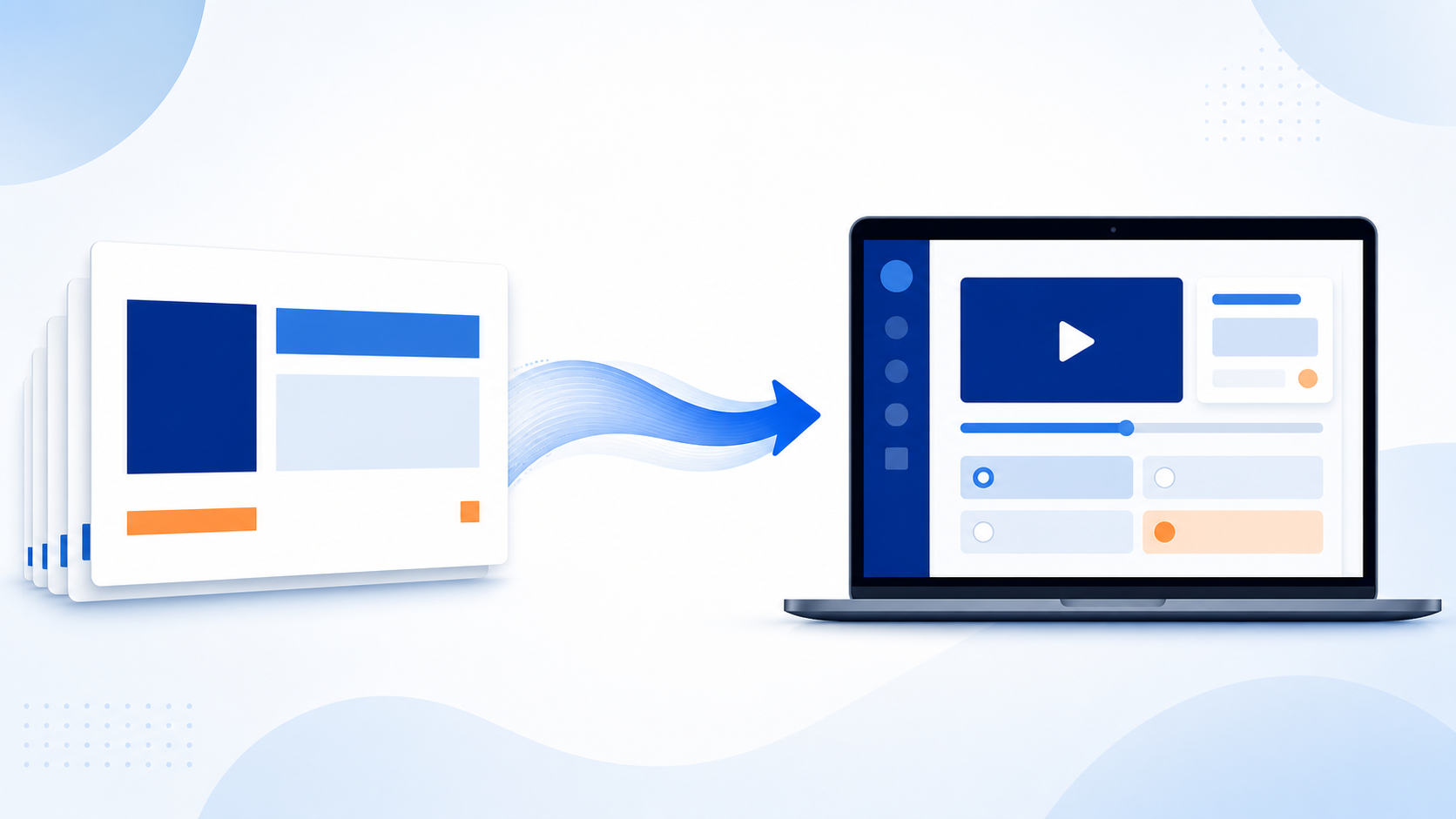
How Much Does It Cost to Convert PowerPoint to eLearning? (2026 Pricing Guide)
Most corporate training still starts life as a PowerPoint deck. The question we hear most from L&D managers, HR directors, and program leads — including several at federal and state agencies — isn’t whether to convert that deck into a real eLearning course, it’s what it costs and how long it takes.Here’s a straight answer, based on current 2026 market rates and 30 years of doing this work at DGS Designs. The short version For a typical 30-slide PowerPoint deck, budget: $1,800 to $2,600 (about 40 hours at our $45–$65/hr rate) for a lightly interactive, narrated SCORM course — stock imagery, basic knowledge checks, straightforward redesign $3,600 to $7,800 (roughly 80 to 120 hours at our $45–$65/hr rate) for a heavily interactive course with custom illustrations, branching scenarios, or simulations Professional text-to-speech narration is $0.08 per word at our standard rate, no compromise on quality For context, general U.S. instructional-design market rates run $30 to $50 per hour for junior designers up to $100 to $150-plus per hour for senior specialists, per public industry pricing surveys. Our own rate is $45 to $65 per hour depending on complexity, plus $0.08 per word for professional narration — reflecting 30 years of specialized eLearning experience. What actually drives the price How clean the source deck is. A well-structured deck with clear learning objectives converts fast. A deck that’s really a script for a live presenter, with dense bullet walls, no stated objectives, and speaker notes doing all the work, needs an instructional redesign pass before it can become a standalone course. That redesign step is the single biggest cost swing we see. Narration. Our professional text-to-speech narration is $0.08 per word — broadcast-quality, no compromise versus traditional voiceover. Interactivity level. A basic click-through with a final quiz is cheapest. Branching scenarios, drag-and-drop, simulations, or custom animation each add development hours on top of the base conversion. Authoring tool. Articulate Storyline gives you the most interactivity per dollar for scenario-based training; Articulate Rise is faster and cheaper for straightforward, mobile-friendly content; Captivate and Lectora fit specific legacy or software-simulation needs. Compliance requirements. Section 508 and WCAG accessibility (common for federal and state contracts), SCORM/xAPI packaging for a specific LMS, and localization each add scoped, predictable cost — but only if planned for from the start. The fastest way to get an accurate number Send us the deck. In practice, the only two questions that actually determine price are: how much redesign the content needs, and how interactive you want the final course to be. Everything else is a variable we can quote once we’ve seen the source material. DGS Designs has converted training content into Articulate Storyline, Captivate, and Lectora courses for organizations including the U.S. Army, Expedia, Frito-Lay, and Microsoft. Get a quote on your PowerPoint conversion.