Instructional design is a lot of juggling: storyboards, SME reviews, asset libraries, client feedback, SCORM packages, deadlines. None of it gets easier if your tools are working against you. Over the years I’ve settled on a small stack of everyday tools that quietly save me hours every week — nothing exotic, just software that does one job well and stays out of my way.
Here are the ones I actually open every single day.
FastStone Capture — screenshots and screen recording done right
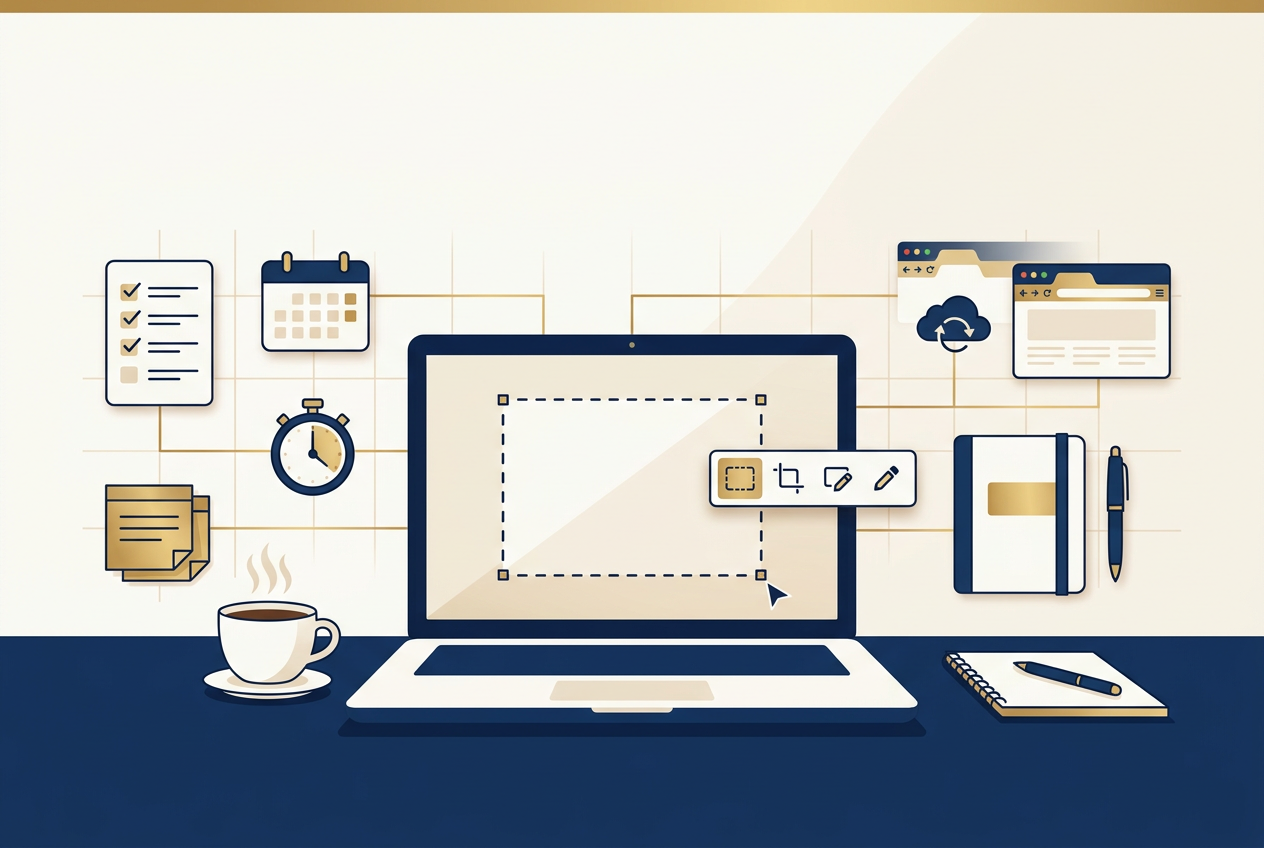
If I had to keep exactly one utility on a fresh computer, it would be FastStone Capture. As an instructional designer, I’m constantly capturing software walkthroughs for job aids, annotating screenshots for review documents, and recording quick screen-capture demos for Storyline courses. FastStone Capture handles all of it from one lightweight toolbar — region capture, scrolling window capture, screen recording to video, and a built-in editor for arrows, callouts, and blur boxes — without the bloat of a full video-editing suite. It launches instantly, it’s inexpensive, and it has never once let me down mid-capture. I genuinely use it every day.
A task manager that matches how projects actually move
eLearning projects rarely move in a straight line — a module can be “in SME review,” “revisions in progress,” and “pending narration” all in the same week. A simple Kanban-style board (Trello, ClickUp, or similar) lets me see exactly where every course in the pipeline actually stands, instead of digging through email threads to find out. The tool matters less than the habit: one board, one source of truth, updated the moment something changes status.
Audacity for quick audio cleanup
Narration audio is never perfect on the first pass. Audacity is free, it’s fast, and it does exactly what I need — trim dead air, knock down background hiss, normalize volume across a dozen recorded segments — without forcing me to learn a professional audio suite just to clean up a client’s raw VO files.
An AI assistant for the first draft
I don’t let AI write final course content — accuracy and voice matter too much for that — but for knocking out a first-pass knowledge check, restructuring a wall of SME text into a logical outline, or drafting alt text for a batch of images, an AI assistant turns a 45-minute task into a 10-minute one. The time it saves isn’t in the writing, it’s in getting past the blank page.
A dead-simple time tracker
If you bill by the project or need to know where your hours actually go, a lightweight timer you can start and stop without thinking about it beats any complex system you’ll abandon after a week. The best time tracker is the one you’ll actually use.
The real lesson: boring tools, used consistently
None of these are flashy. That’s kind of the point. The tools that actually move the needle on productivity tend to be the ones that solve one problem cleanly and then disappear into your workflow — not the ones with the longest feature list. FastStone Capture is the clearest example on this list: it does one thing, it does it fast, and I haven’t gone looking for a replacement in years.
What’s the one tool you’d be lost without? I’d love to hear what’s on your list.